Home Office Layout Ideas
A practical step-by-step guide to home office layout ideas, including preparation, instructions, common issues, tips, and next steps.
Home Office Layout Ideas
This guide explains how to approach home office layout ideas, including the preparation, practical steps, common mistakes, and final checks that help you finish with confidence.
Before You Start
Step-by-Step Instructions
Quick Reference
Common Problems When You Plan Home Office Layout Ideas
Even with careful planning, you might run into common issues when setting up your home office. Knowing these ahead of time can help you find quick solutions.
- Problem: Lack of natural light. If your chosen spot doesn't have a window, the room can feel dark and uninviting. This can lead to eye strain and reduced mood.
- Solution: Compensate with layered artificial lighting. Use a bright overhead light, a good task lamp on your desk, and perhaps an accent lamp. Choose bulbs with a cooler colour temperature (around 4000K-5000K) to mimic natural daylight. Light-coloured walls can also help reflect light.
- Problem: Constant distractions. If your home office is in a high-traffic area, or you're easily distracted by household noise, maintaining focus can be difficult.
- Solution: Try to orient your desk to face a wall rather than an open room or a doorway. Use room dividers or tall bookshelves to create a visual barrier. Noise-cancelling headphones can be a lifesaver. Discuss a "quiet time" schedule with family members if possible.
- Problem: Cable clutter and messy wires. Even a perfectly arranged desk can look untidy with a spaghetti of wires. This is not only unsightly but can also be a tripping hazard.
- Solution: Invest in cable management solutions. This includes cable ties, velcro straps, cable sleeves, and under-desk cable trays. Mount power strips under your desk to keep them out of sight. Labeling cables can also save you headaches later.
- Problem: Uncomfortable seating or desk height. Poor ergonomics can lead to back pain, neck strain, and overall discomfort, making it hard to concentrate.
- Solution: Ensure your chair provides good lumbar support and allows your feet to be flat on the floor. Adjust your monitor height so the top of the screen is at eye level. If your desk isn't adjustable, use a footrest or a monitor riser to achieve the correct posture. Take regular breaks to stretch and move around.
- Problem: Not enough storage space. Papers, supplies, and equipment can quickly pile up, making your workspace feel cramped and disorganised.
- Solution: Think vertically. Wall-mounted shelves, tall bookcases, and drawer units can maximise storage without taking up much floor space. Use desk organisers, file sorters, and labelled boxes to keep items tidy and easily accessible. Declutter regularly to avoid accumulation.
Advanced Tips for Home Office Layout Ideas
Once you've mastered the basics, consider these advanced tips to truly elevate your home office.
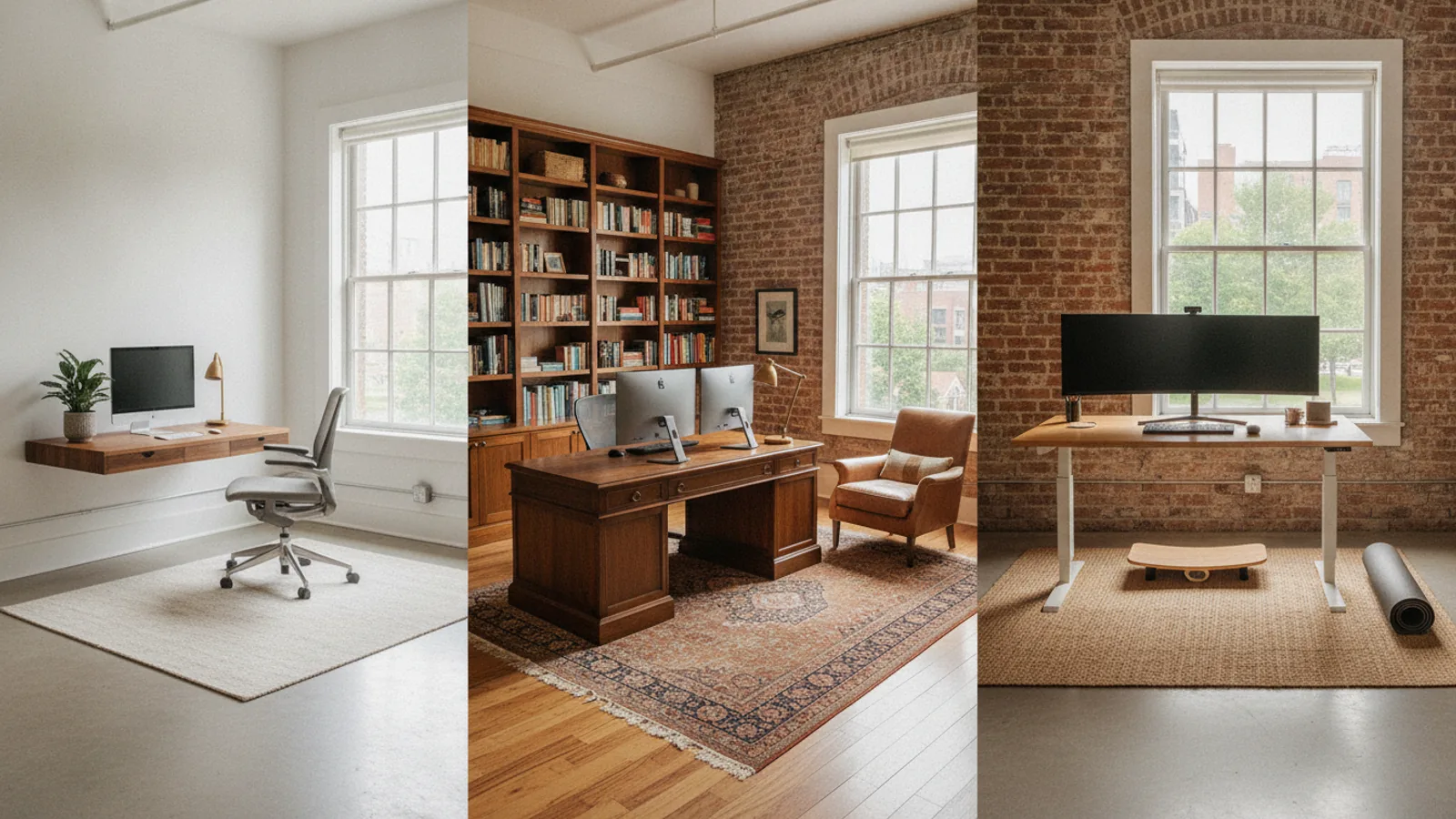
- Integrate a Standing Desk Option: Prolonged sitting can be detrimental to health. Consider a sit-stand desk converter or a full adjustable standing desk. Alternating between sitting and standing throughout the day can improve circulation, reduce back pain, and boost energy levels. Ensure your standing height allows for proper ergonomic posture, just like your sitting height.
- Optimise for Video Calls: If you're frequently on video calls, pay special attention to your background. A clean, uncluttered wall or a styled bookcase works well. Ensure you have good front lighting (e.g., a ring light or a lamp placed behind your monitor) to illuminate your face evenly and avoid shadows. Position your camera at eye level for a more professional appearance.
- Incorporate Biophilic Design Elements: Biophilic design connects your workspace to nature, which can reduce stress and improve focus. Add more plants (easy-care options like snake plants or ZZ plants are great), use natural materials like wood or stone, and maximise natural light. Even a small water feature can add a calming element.
- Create a Multi-Purpose Flex Space: If your office isn't a dedicated room, think about how it can serve multiple purposes. A desk that folds away or a movable screen can transform your workspace into a guest room or hobby area when not in use. Furniture on castors makes it easy to reconfigure the space as needed.
- Invest in Smart Technology: Use smart plugs to easily turn on/off lights or charging stations. A smart thermostat can keep your office at the perfect temperature. Smart speakers can help with timers, music, or quick searches, allowing you to stay focused on your work without reaching for your phone.
- Consider Soundproofing or Sound Absorption: If noise is a major issue, explore options like acoustic panels for walls, thicker curtains, or even a rug to absorb sound. While full soundproofing can be costly, even small measures can make a noticeable difference in reducing echo and external noise.
Home Office Layout Ideas FAQ
Here are answers to some common questions about setting up your home office.
How can I create a home office in a small space?
In a small space, focus on vertical storage, multi-functional furniture, and a minimalist approach. Use wall-mounted shelves, floating desks, and slim chairs. Consider a console table or a small wardrobe as a hidden office. Maximise natural light to make the space feel larger. Every inch counts, so be precise with your measurements and choose items that serve a clear purpose without adding clutter.
What is the best desk position in a room?
The best desk position depends on your room and preferences. Generally, placing your desk so that natural light comes from the side (perpendicular to a window) is ideal to avoid glare on your screen and shadows on your workspace. If facing a wall, try to have some pleasant decor or a vision board in front of you. Avoid facing directly into a busy doorway if you get easily distracted.
How do I organise storage effectively?
Start by decluttering and getting rid of anything you don't need. Categorise your items (e.g., documents, stationery, electronics). Use a mix of open shelving for frequently accessed items and closed storage (drawers, cabinets) for less aesthetic or less used items. Label everything clearly. Consider drawer dividers, magazine files, and vertical file holders to keep things neat and easy to find.
Should my home office match my home's decor?
While not strictly necessary, having your home office complement your home's overall decor can create a more cohesive and pleasant environment. If it's in an open-plan area, it's especially important for it to blend in. Even in a dedicated room, a consistent style can make the space feel more intentional and inviting, rather than just a functional afterthought.
How often should I review my home office layout?
It's a good idea to review your home office layout periodically, perhaps once a year or whenever your work needs change significantly. Over time, you might acquire new equipment, your workflow might evolve, or you might simply feel a need for a refresh. A quick reassessment can help you identify areas for improvement and maintain an optimal working environment.
Final Checklist for Home Office Layout Ideas
Before you consider your home office layout complete, run through this final checklist to ensure everything is optimised for your comfort and productivity.
- Is your main work area (desk) free from clutter and easily accessible?
- Are all essential tools and frequently used items within arm's reach?
- Is your chair ergonomically adjusted to support good posture?
- Is your monitor positioned at the correct height and distance to prevent eye and neck strain?
- Do you have adequate lighting (natural and artificial) without glare on your screen?
- Are all electrical cords managed neatly and safely, without tripping hazards?
- Is there enough open space to move around comfortably without bumping into furniture?
- Is your storage organised and easily accessible for papers and supplies?
- Does the space feel inspiring and reflective of your personal work style?
- Have you tested the layout during a full workday to ensure it meets your needs?
- Are there any potential distractions that need further mitigation (visual or auditory)?
- Is there a designated spot for taking short breaks away from your main work task?